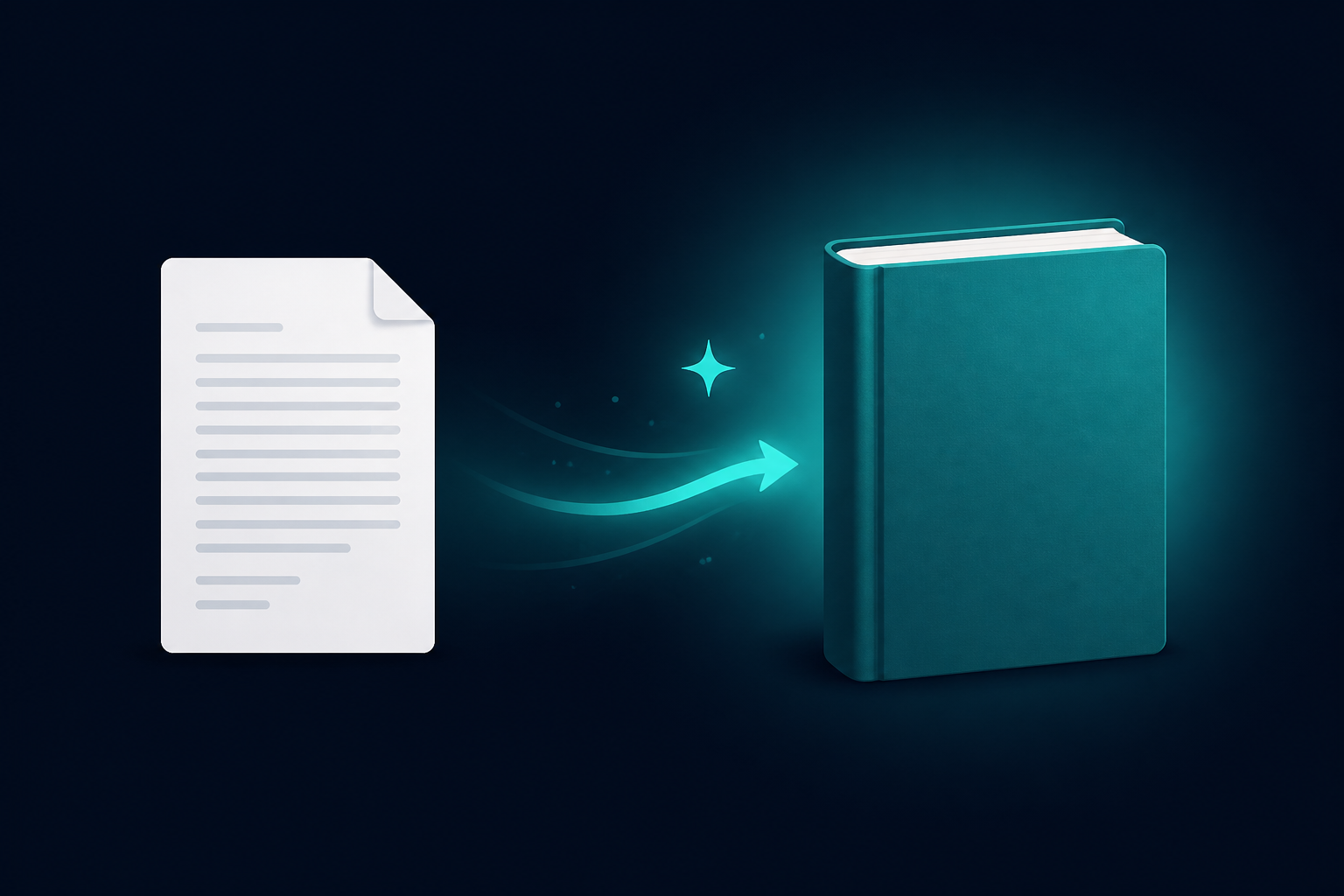
Import your existing manuscript into BookWiz
Import your existing manuscript into BookWiz
If you have already written your book — in Word, Google Docs, Scrivener, or a plain text file — you no longer have to copy-paste it into BookWiz chapter by chapter. As of today, you can import the whole manuscript in one go, and BookWiz splits it into chapters, drops them into the Writing Room, and your assistant reads the entire book as context ready for improvements and a KDP-ready export.
This is the feature a lot of you have been asking for. The most recent version of the email: "I have already written a full draft copy of my book, how do I download it for bookwiz, to give it AI improvement and prepare it for publication?" That is now a one-screen flow.
 \n\n## How it works
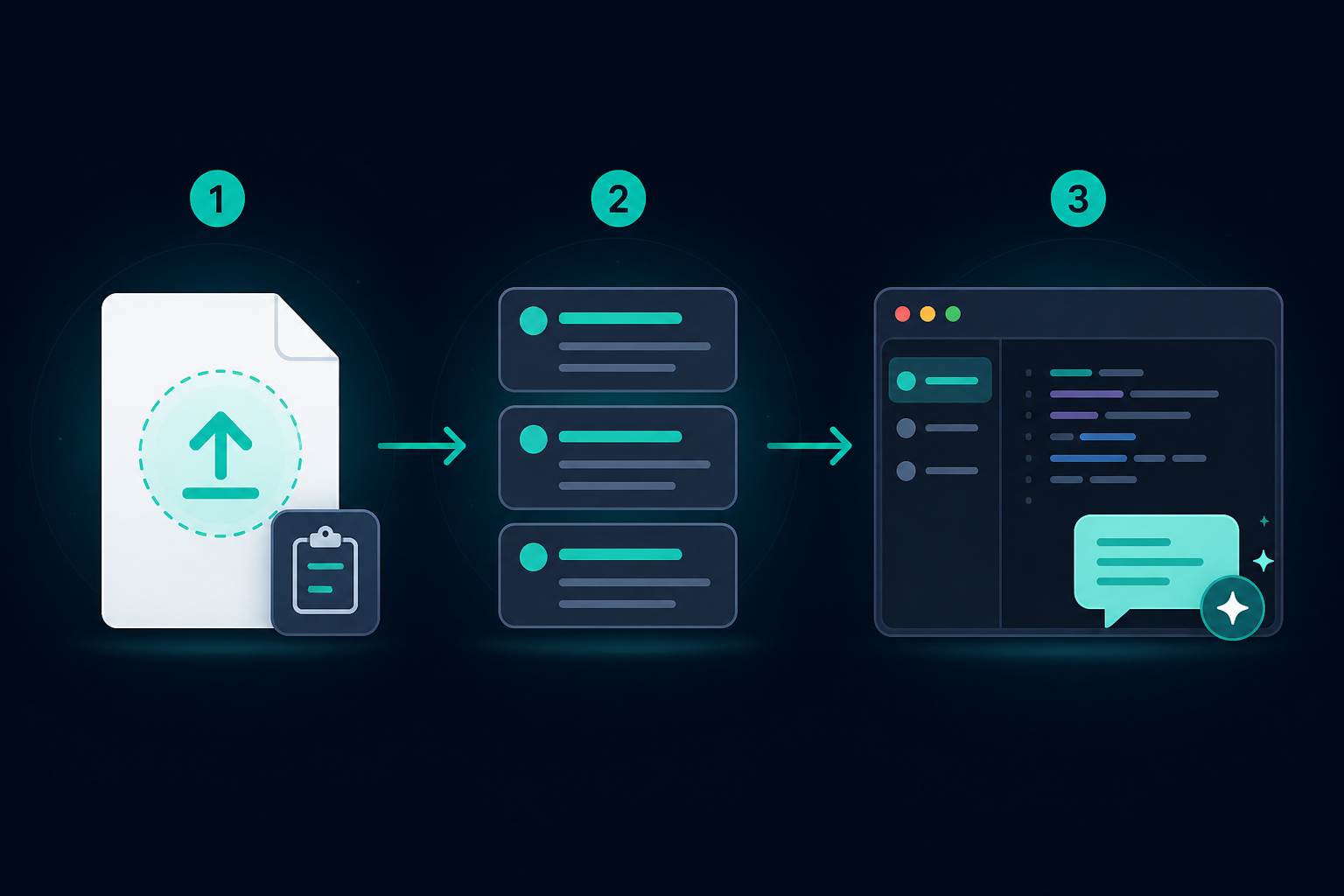
There are three steps.
1. Add your draft. Drag and drop a .docx, .txt, or .md file onto the import screen — or paste your text straight in. The limit is 10 MB, which is far beyond any real book.
2. Review the chapters. BookWiz reads your manuscript and splits it into chapters using Word's heading styles (for .docx) or markdown # headings (for text). You get a reviewable list — edit any title, remove a chapter you don't want, expand one to check the text — before anything is created. Nothing is uploaded until you confirm.
3. Book details. Pick a title (pre-filled from your first heading), your pen name, and whether it's fiction or non-fiction. Confirm, and you land in the Writing Room with every chapter already in place.
That last part is the point. BookWiz's assistant is context-aware — it has read your whole manuscript, not just the paragraph you're looking at. So the moment your imported book opens, you can ask it to tighten chapter four, and it knows what happened in chapters one through three. That is what makes the improvement pass actually consistent instead of a generic rewrite.
What gets imported
.docx— Word heading styles (Heading 1,Heading 2) become chapters and sub-sections. Bold, italics, lists, tables, links, and blockquotes are preserved as markdown..txtand.md— markdown#headings, Setext underlines (===under a title), and bareChapter Nlines all split into chapters.- Pasted text — same rules as markdown. If your draft has no headings at all, it imports as a single chapter and you can split it in the editor whenever you like.
Where to find it
Open My Books, and you'll see an Import button next to New Book. There's also an import link on the empty-shelf state and on the Start a new book screen. The import flow lives at /dashboard/books/import.
What it costs
Nothing extra. An import counts as one book against your plan, the same as creating a new book from scratch — so it works on the free plan, and paid plans get unlimited books. The parsing and the import screen are free to use.
Start from a draft, not a blank page
The single biggest reason writers stall is the blank page. If you already have a draft, you have already won that battle — you just need a tool that can read it, improve it, and get it ready for Amazon. That is now the first screen in BookWiz, not the seventh.
Import your manuscript and start the improvement pass today.
Ready to write yours?
Bookwiz is a writing room with an AI assistant that keeps your whole manuscript in context — it drafts your outline, writes from your notes, and stays consistent with every chapter.
New here? See how the AI book writer works — or, if you're writing fiction, the AI novel writer.
Start your book freeNo credit card required · See pricing